


TasteBot helps you create recipes tailored to your goals, diet, and allergies. See how it works—from preferences and recipe creation to curated discovery, nutrition insights, and your recipe library.
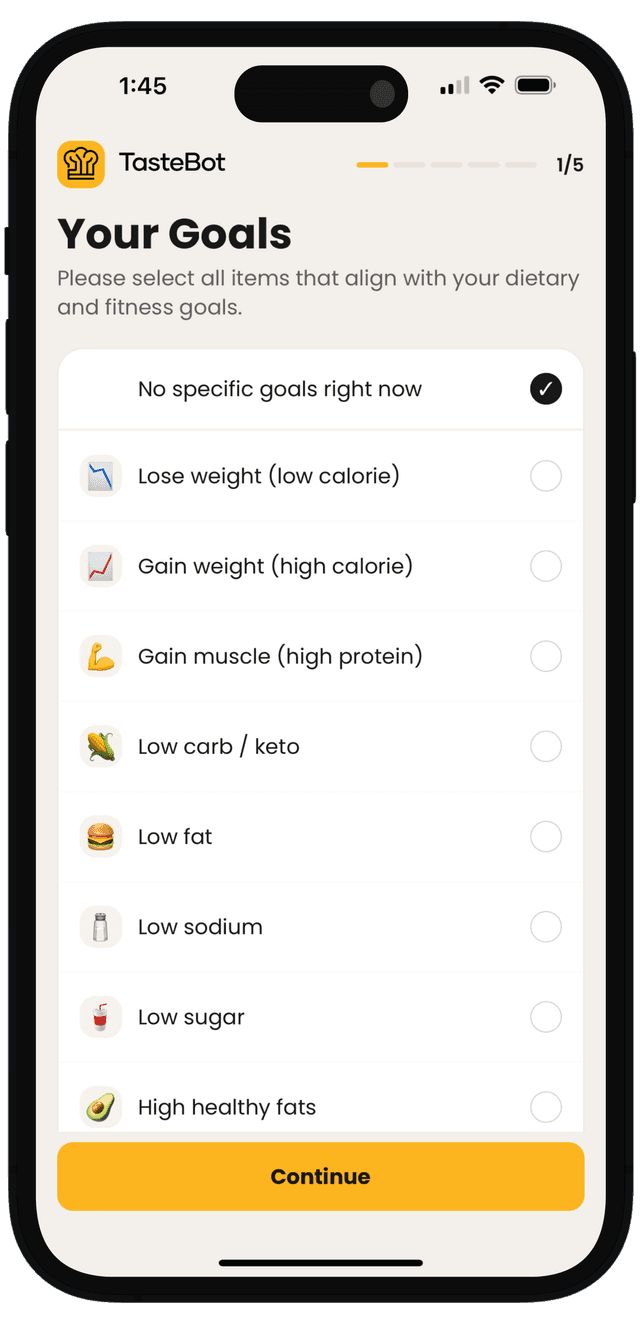
Before you ever generate a recipe, TasteBot learns how you like to eat. Set your fitness goals, whether you follow a diet, and flag any allergies or ingredients you want to avoid. TasteBot uses your selections to personalize every recipe you generate.
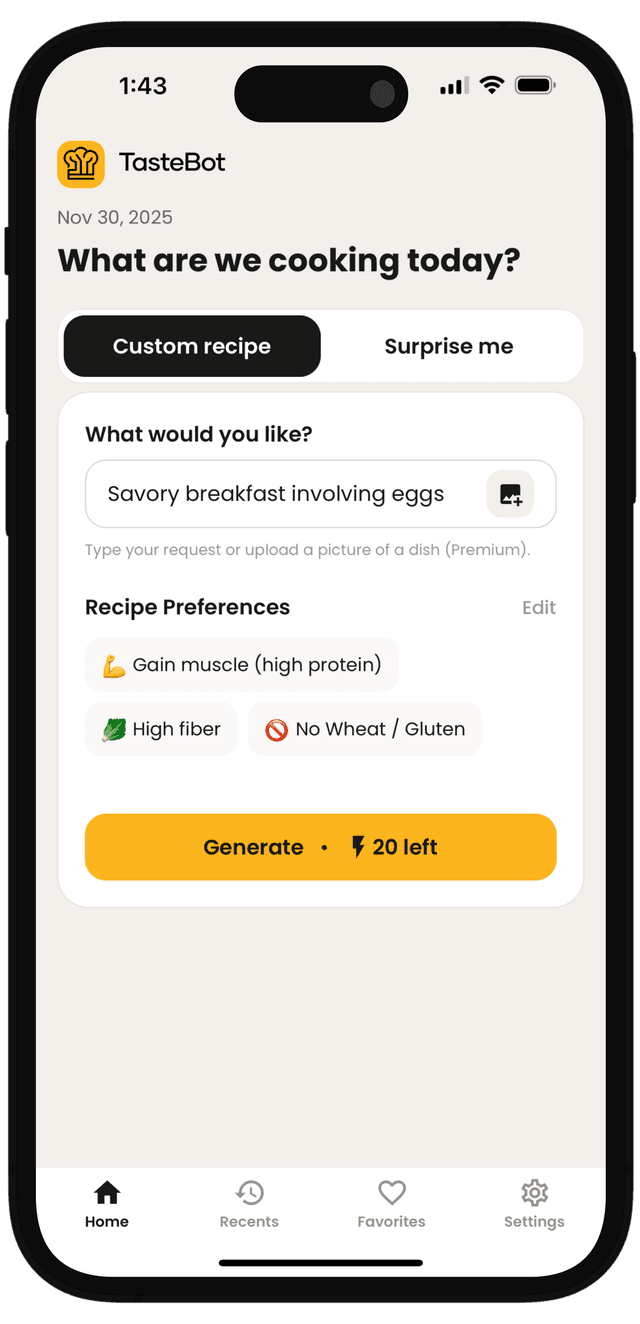
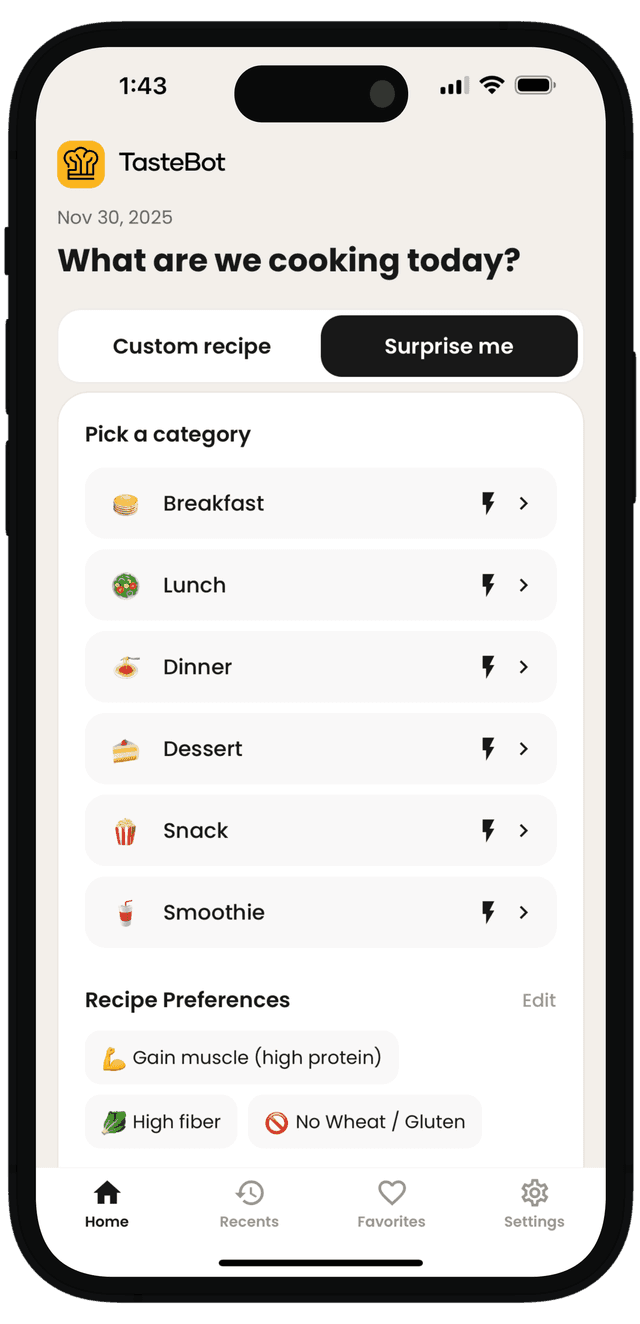
Whether you know exactly what you're craving or are looking to explore, TasteBot has you covered. Type a custom request or tap Surprise Me to let the app pick a tailored meal for you—always shaped to your preferences.
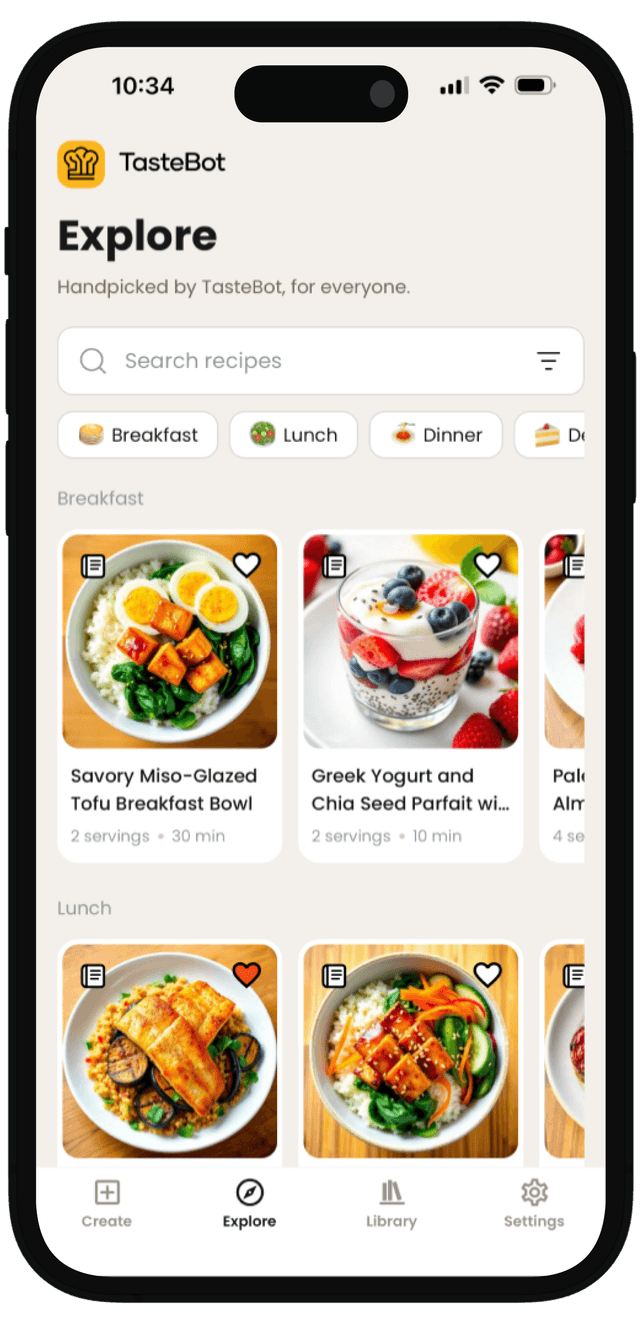
When you want inspiration fast, browse a curated library of recipes you can explore at a glance. Search, filter, and drill into dishes that match your schedule, diet, and goals.
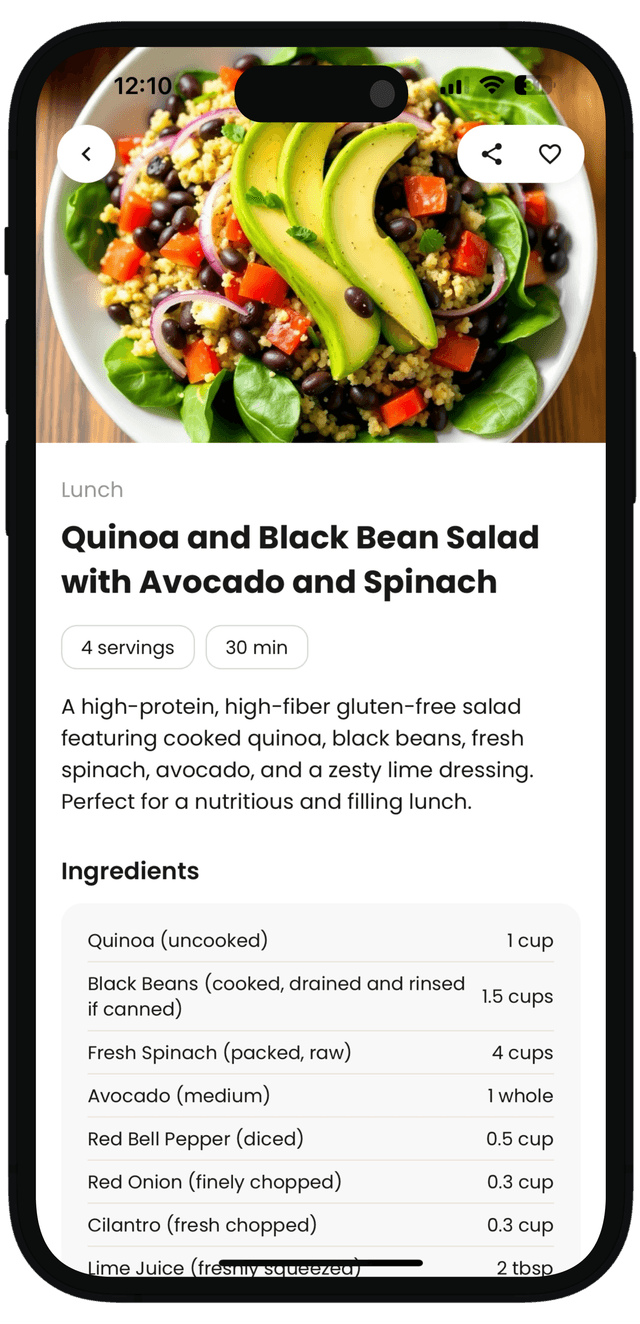
After generating, you land on a detailed recipe page with everything you need to cook confidently: image, description, ingredients, and step-by-step instructions. You'll also see cooking time, servings, and helpful tips right on the screen.
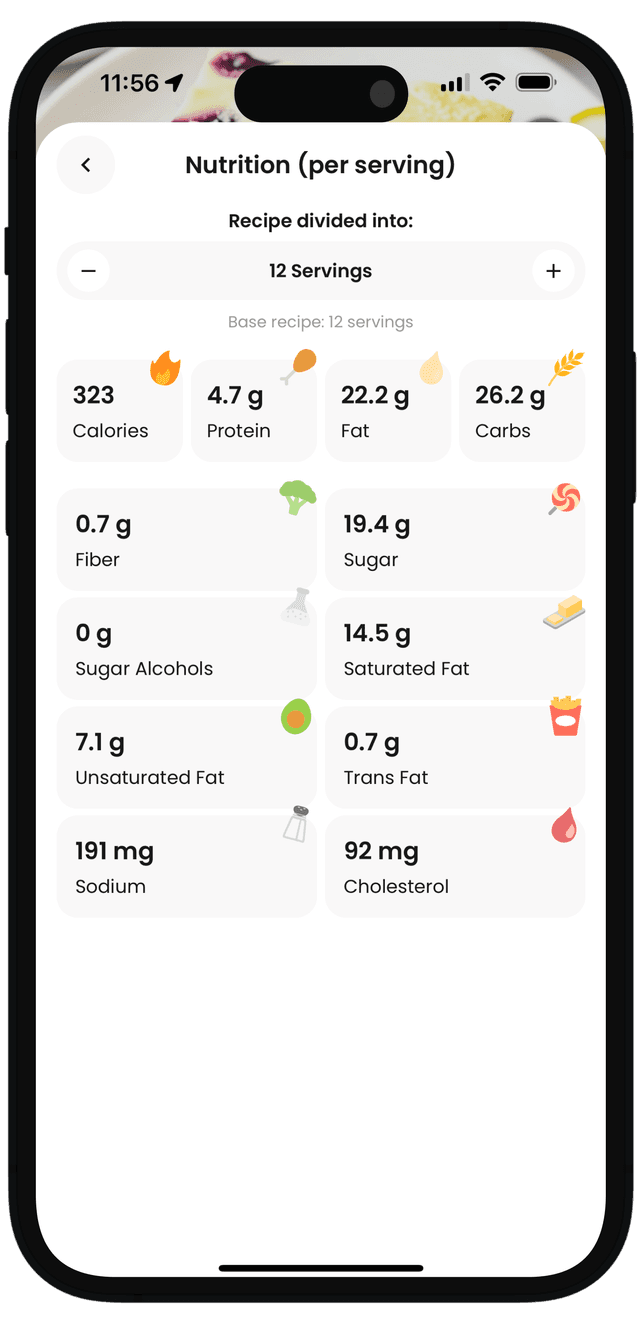
Tap Nutritional Info to calculate macros and key nutrients for your recipe. Adjust the number of servings the recipe is divided into and TasteBot automatically updates the nutrition per serving so you can track more easily.
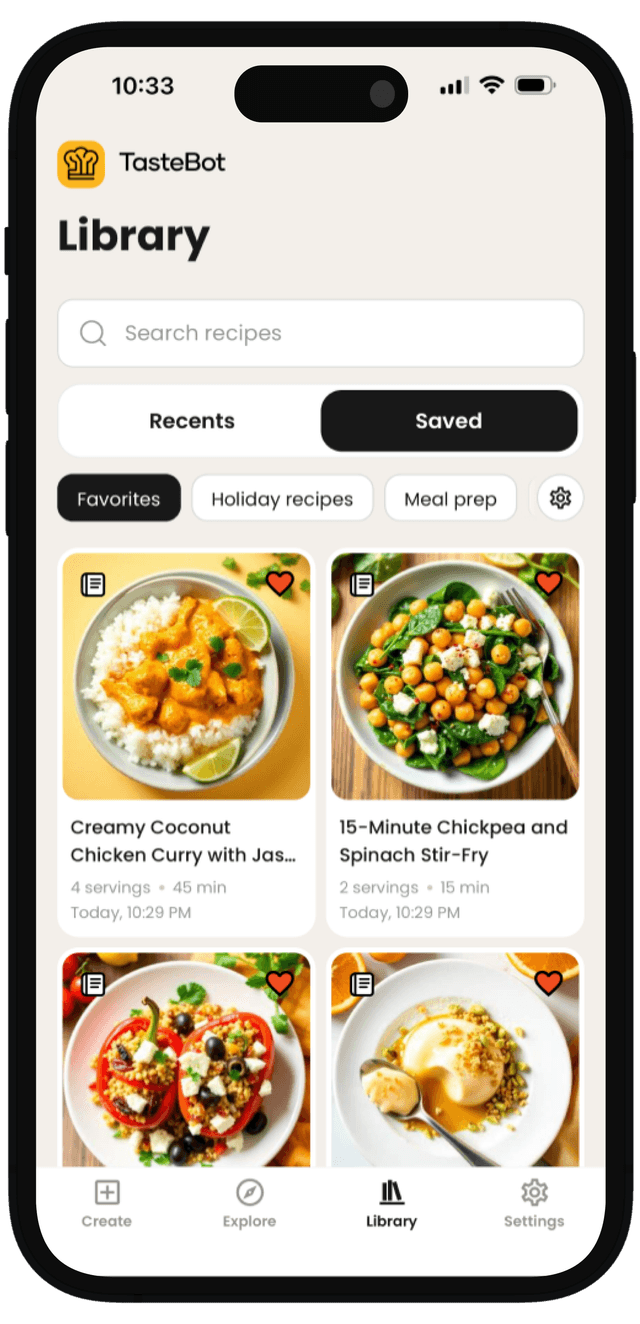
Save recipes you love and keep everything organized in one place. Your library makes it easy to revisit recent creations and collect your go-to meals for later.
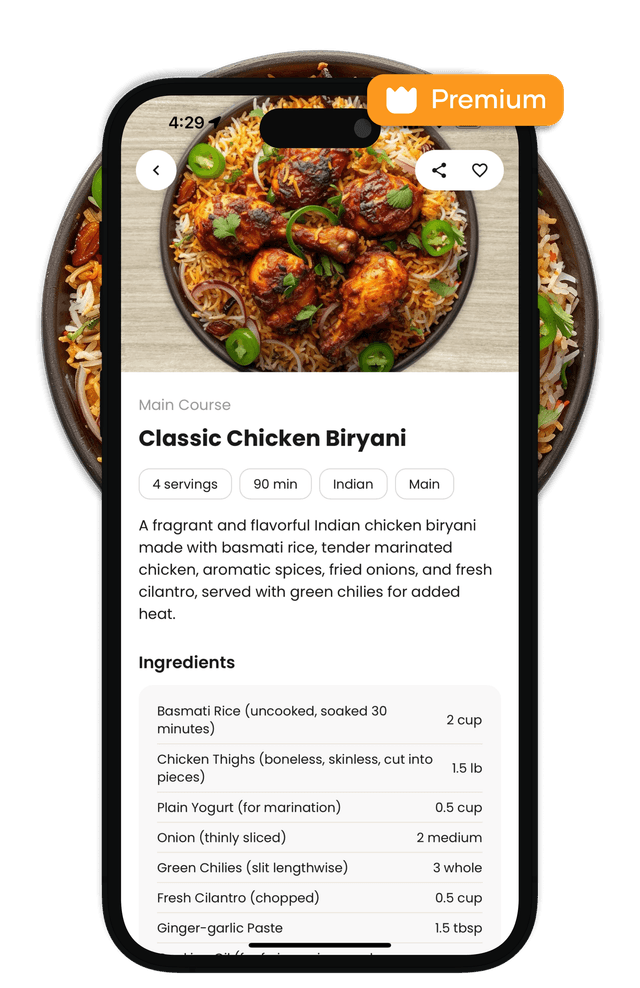
With Premium, you can tap the camera icon on the home screen to turn real-life meals into recipes. Take a photo or upload one from your gallery and TasteBot reverse-engineers a cookable recipe, optionally using any text you add as extra context.
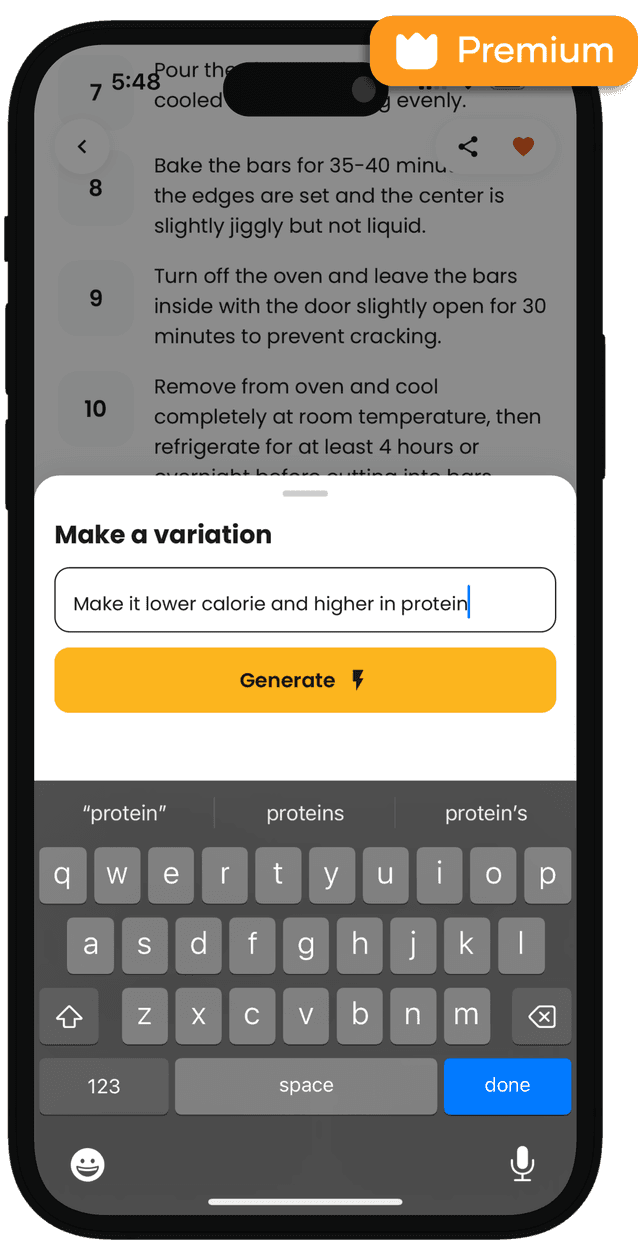
Premium users can tap Make Variation on any recipe to instantly generate a tweaked version. Ask for fewer calories, more protein, less spice, ingredient swaps, whatever you need, and TasteBot rebuilds the recipe around your request.
TasteBot is an AI recipe generator that builds recipes tailored to your goals, diet, allergies, and cooking style.
Yes. Tell TasteBot what ingredients you want to use (or avoid) and it will generate recipes from those ingredients.
Yes. TasteBot can generate recipe ideas aligned to your goals (like high protein or low calorie) and dietary preferences.
Yes. In your preferences you can set diets and add allergies or ingredients to avoid so new recipes are generated around those constraints.
TasteBot is free to download, with optional premium features available in the app.
You can download TasteBot from the Apple App Store and Google Play.
TasteBot helps you create recipes tailored to your goals, diet, and allergies. See how it works—from preferences and recipe creation to curated discovery, nutrition insights, and your recipe library.
Before you ever generate a recipe, TasteBot learns how you like to eat. Set your fitness goals, whether you follow a diet, and flag any allergies or ingredients you want to avoid. TasteBot uses your selections to personalize every recipe you generate.
Whether you know exactly what you're craving or are looking to explore, TasteBot has you covered. Type a custom request or tap Surprise Me to let the app pick a tailored meal for you—always shaped to your preferences.
When you want inspiration fast, browse a curated library of recipes you can explore at a glance. Search, filter, and drill into dishes that match your schedule, diet, and goals.
After generating, you land on a detailed recipe page with everything you need to cook confidently: image, description, ingredients, and step-by-step instructions. You'll also see cooking time, servings, and helpful tips right on the screen.
Tap Nutritional Info to calculate macros and key nutrients for your recipe. Adjust the number of servings the recipe is divided into and TasteBot automatically updates the nutrition per serving so you can track more easily.
Save recipes you love and keep everything organized in one place. Your library makes it easy to revisit recent creations and collect your go-to meals for later.
With Premium, you can tap the camera icon on the home screen to turn real-life meals into recipes. Take a photo or upload one from your gallery and TasteBot reverse-engineers a cookable recipe, optionally using any text you add as extra context.
Premium users can tap Make Variation on any recipe to instantly generate a tweaked version. Ask for fewer calories, more protein, less spice, ingredient swaps, whatever you need, and TasteBot rebuilds the recipe around your request.
TasteBot is an AI recipe generator that builds recipes tailored to your goals, diet, allergies, and cooking style.
Yes. Tell TasteBot what ingredients you want to use (or avoid) and it will generate recipes from those ingredients.
Yes. TasteBot can generate recipe ideas aligned to your goals (like high protein or low calorie) and dietary preferences.
Yes. In your preferences you can set diets and add allergies or ingredients to avoid so new recipes are generated around those constraints.
TasteBot is free to download, with optional premium features available in the app.
You can download TasteBot from the Apple App Store and Google Play.